My EDCoPilot journey began back in 2021. I spent some time testing things out, helping with mining support, and getting a feel for what EDCoPilot could really do… and then life happened. I vanished for a year.
I resurfaced briefly in 2022, said hello, got excited again… and disappeared once more — this time for two full years. Real life took over completely.
Fast forward to the tail end of 2024, and I decided it was time to properly return to my Elite Dangerous journey. I fired up EDCoPilot, logged back into the Discord, and took to the stars again. It took a while to blow the cobwebs off, but eventually I found my rhythm.
Not long after, I discovered I could run EDCoPilot on a second screen using SpaceDesk, which sounded perfect, I could have different command panels showing on different screens. And it almost was… except for one major problem: having to double-tap — sometimes even triple-tap — just to get buttons to respond. That wasn't going to cut it.
That frustration is what sparked the idea for EDCoPTER.
At first, EDCoPTER was simply a personal project — a way for me to learn a new coding language (Angular) and challenge myself with something meaningful. But I also had a bigger goal in mind: if I could build a browser-based terminal for EDCoPilot, something that worked smoothly on any device, anywhere on my network… even better.
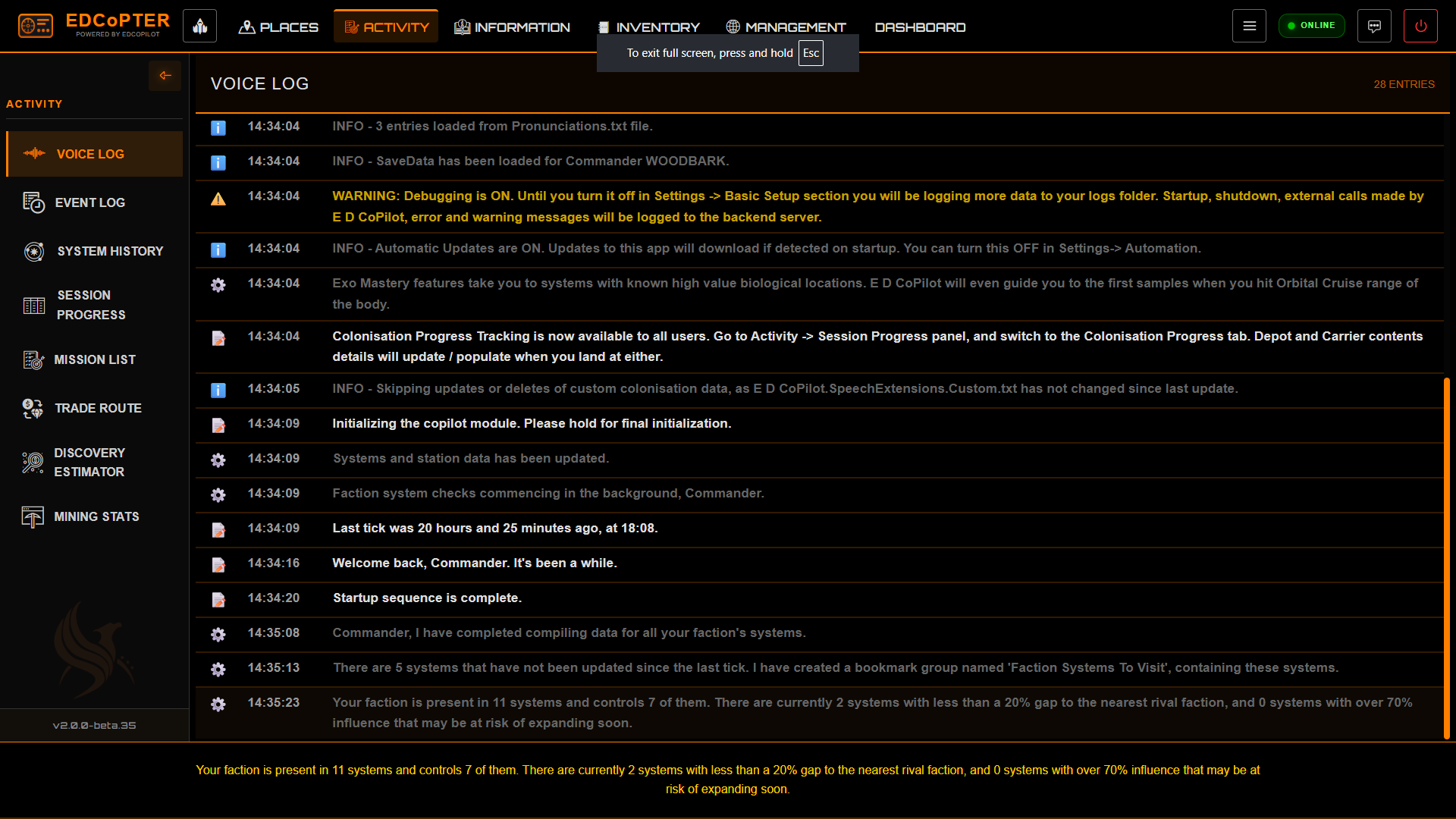
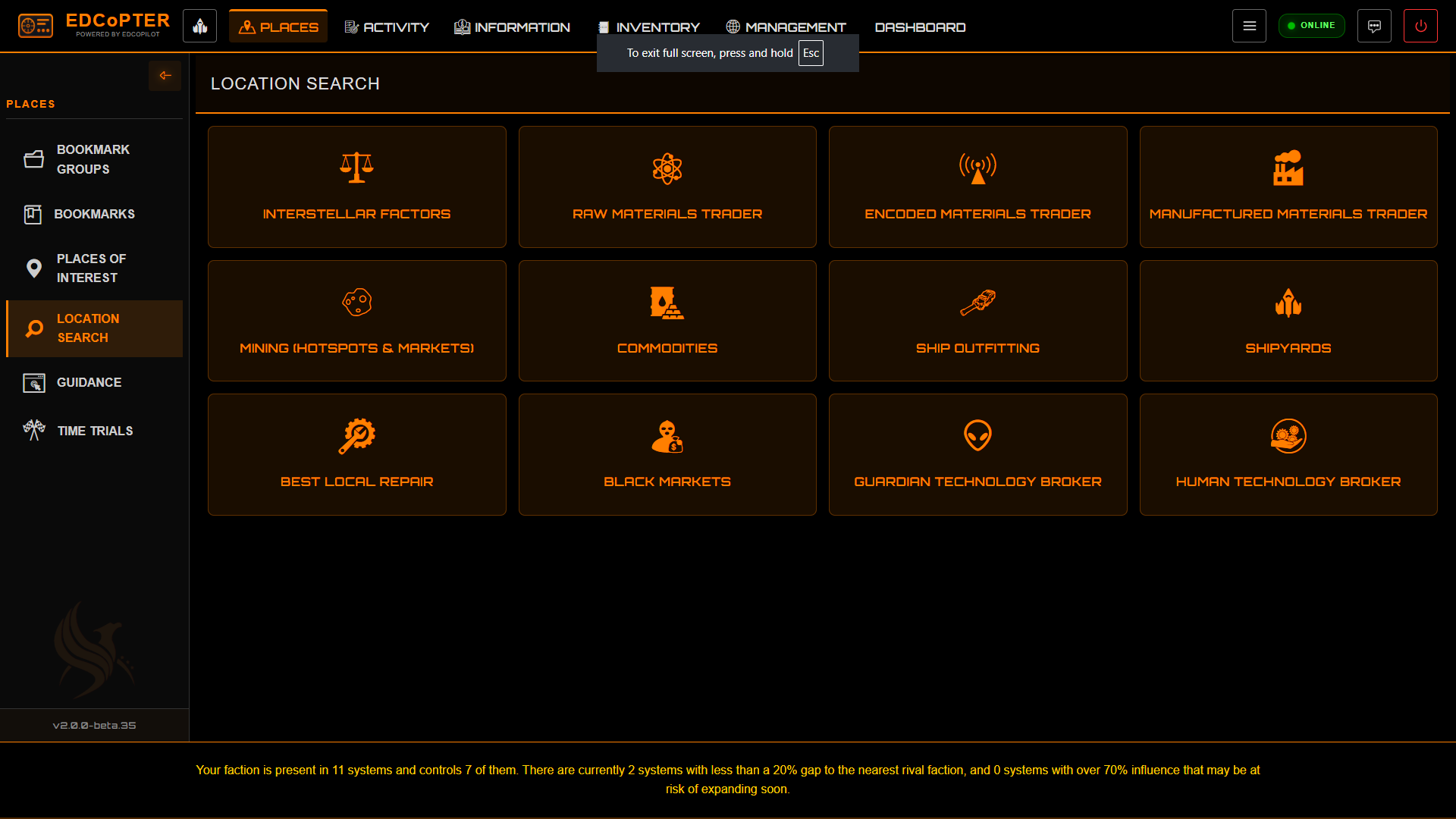
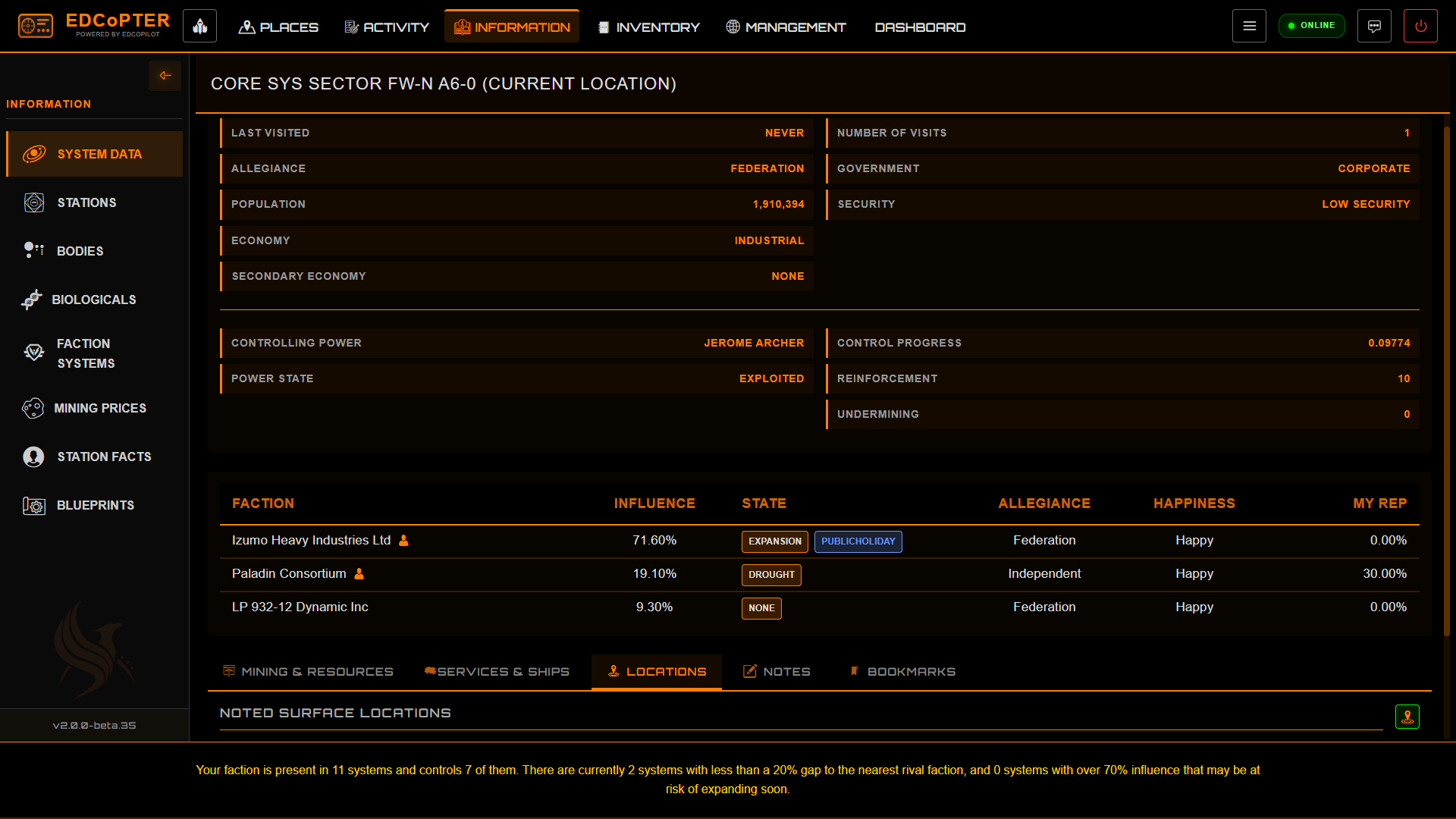
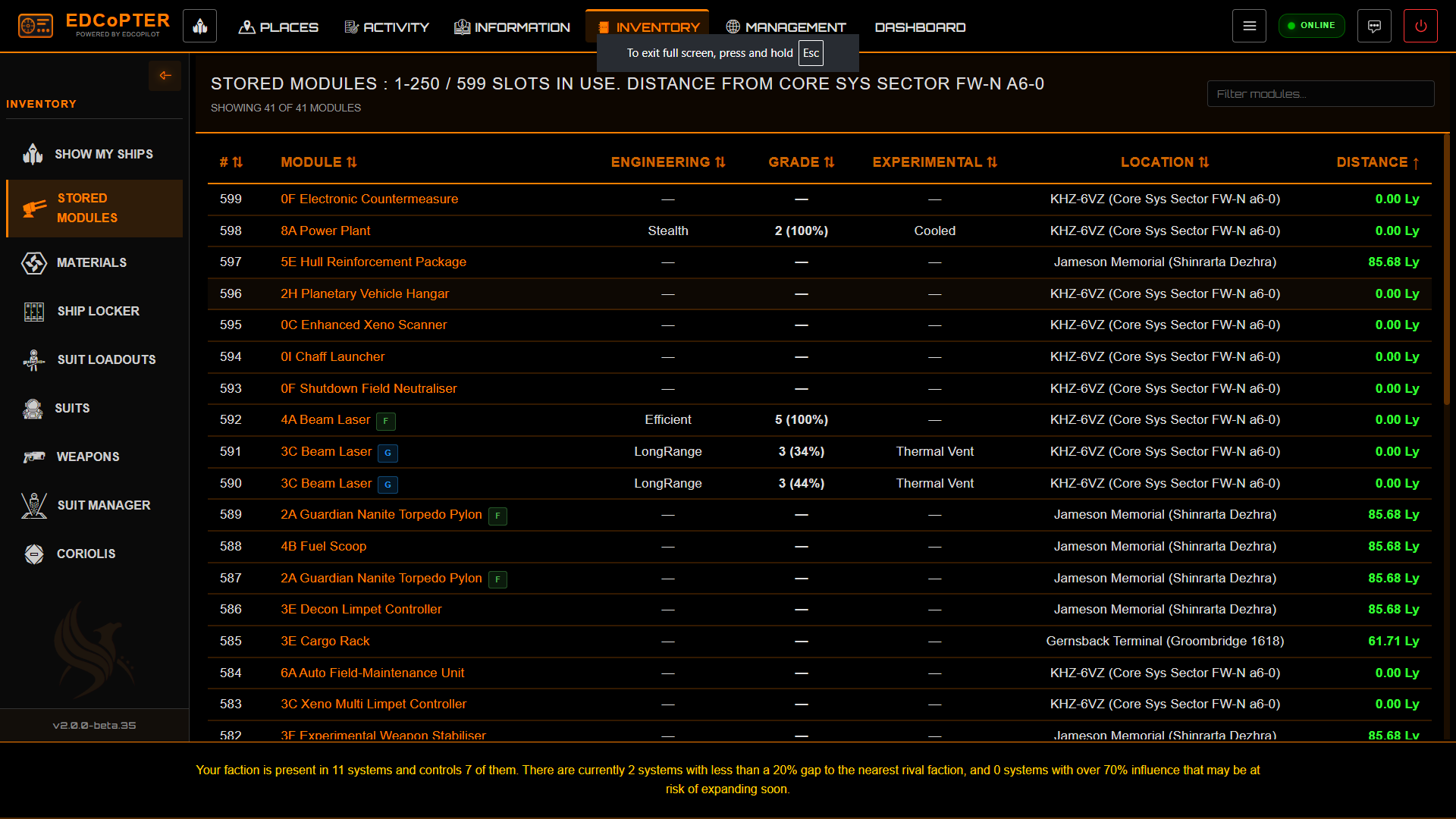
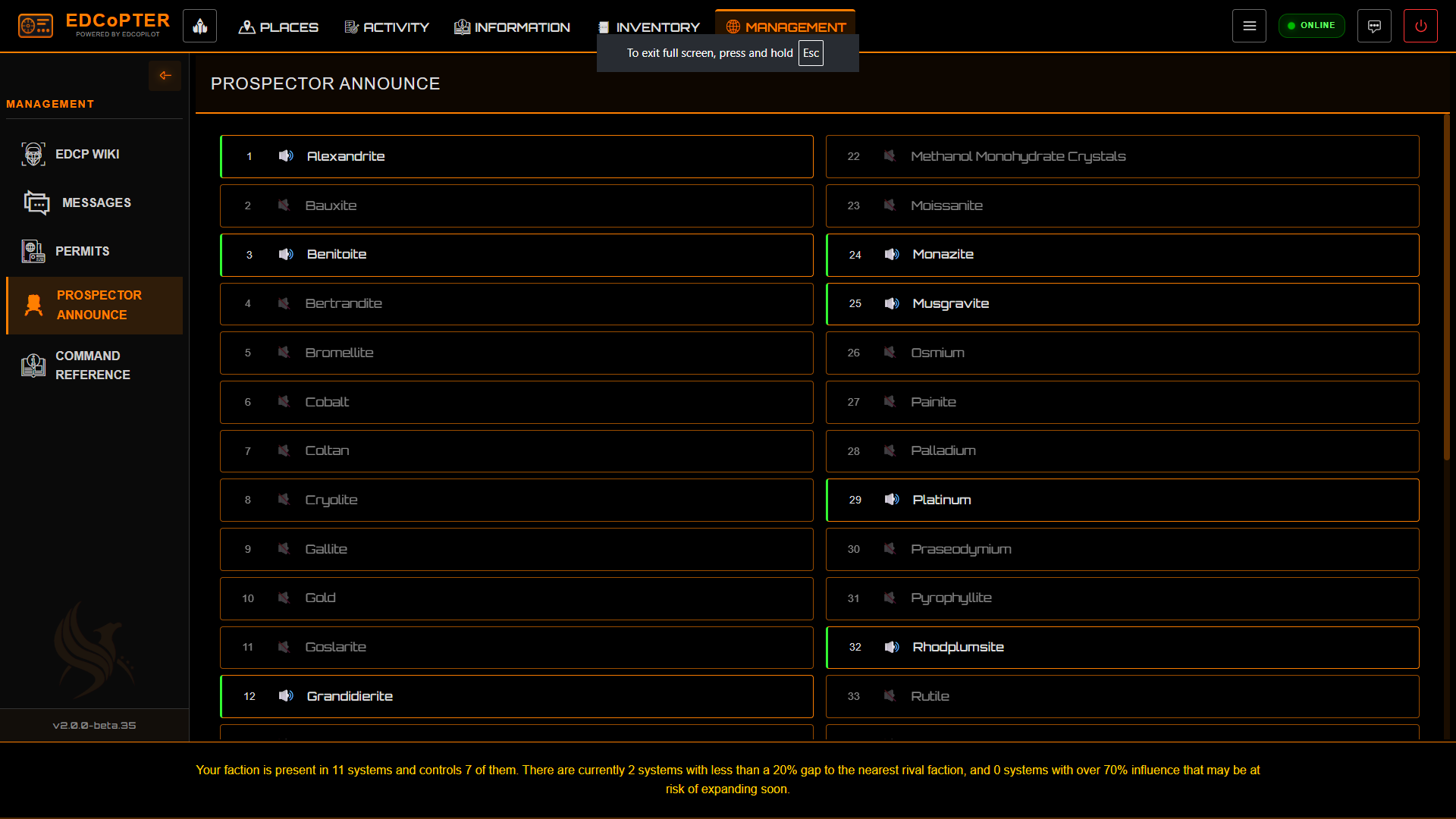
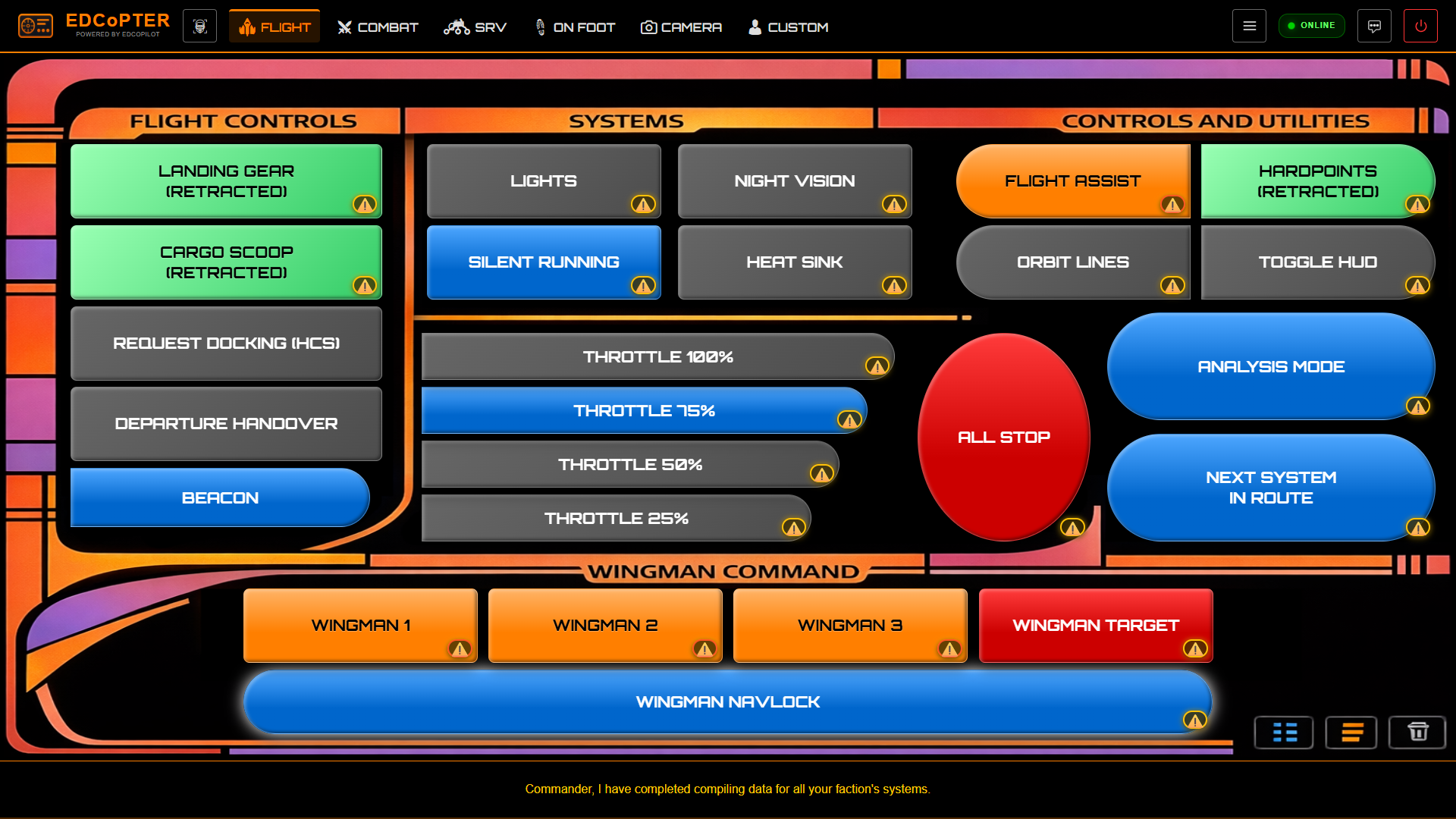
Over the next eight months, that idea turned into reality. I rebuilt every major EDCoPilot panel so they could be served over the network and opened in any modern web browser, giving me a flexible second-screen setup that actually felt responsive and usable.
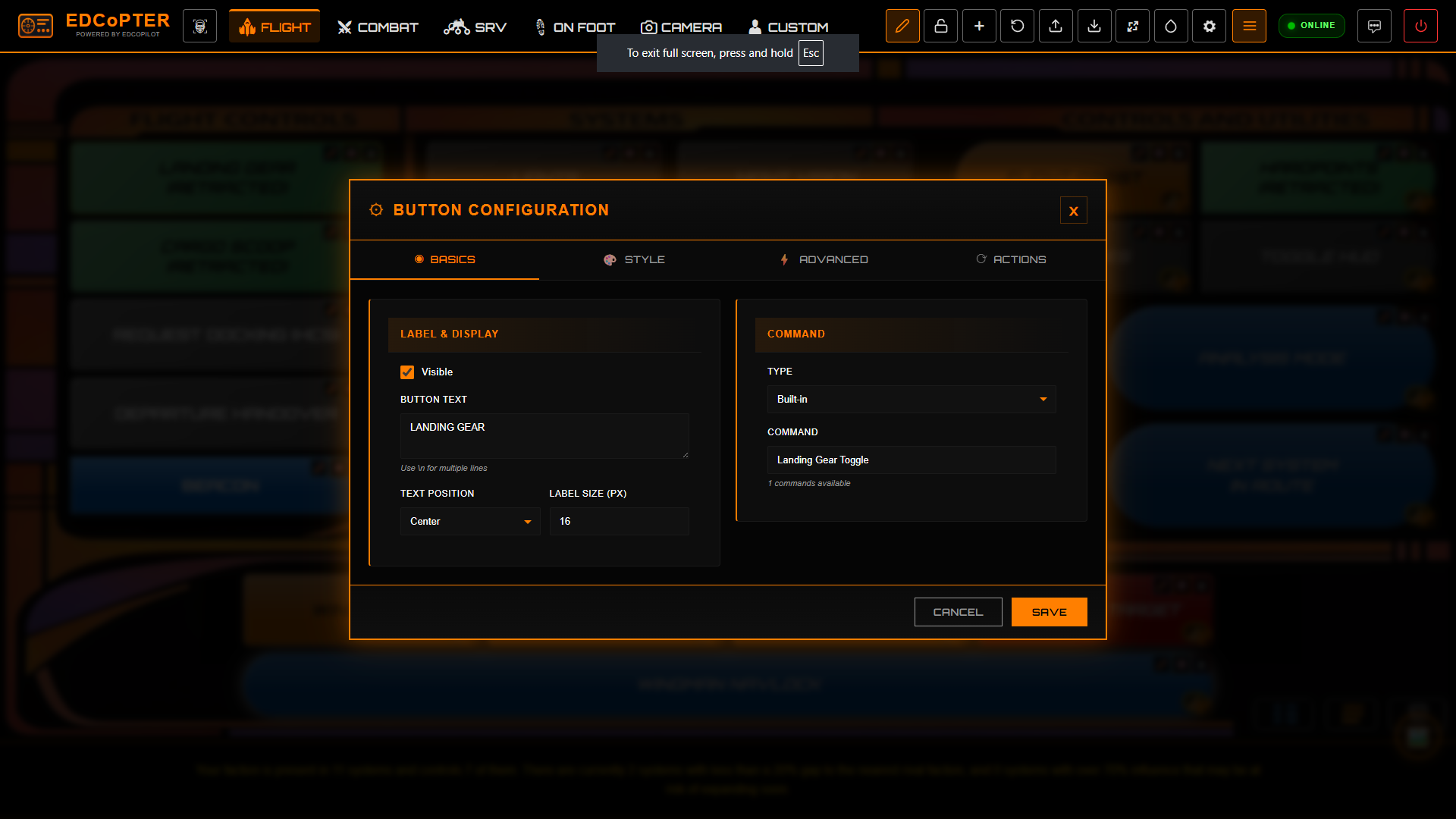
Now I'm on version 2.0 of EDCoPTER, and with the help of AI — combined with everything I'd already built and learned along the way — it's become something even better: a far more customisable command panel UI, which was the whole reason this project existed in the first place. I can now completely change the layout, appearance, and functionality of each panel to suit my needs, it can utilise a background layout to help design and the buttons are customisable in so many ways.
EDCoPTER is an addition to EDCoPilot, not a replacement. And none of this would've been possible without CMDR RAZZAFRAG, who's been incredibly generous in allowing me to build on top of EDCoPilot and has supported me whenever I've needed help.
This started as a small learning project… and turned into something I genuinely use every time I fly.
o7 see you in the black ... CMDR WOODBARK